
Live church audio during bad weather
Snow, ice, and storms can prevent members or the preacher from reaching church. Broadcast from church or home using a device with a microphone and internet access.
Listeners do not need an account or an app.
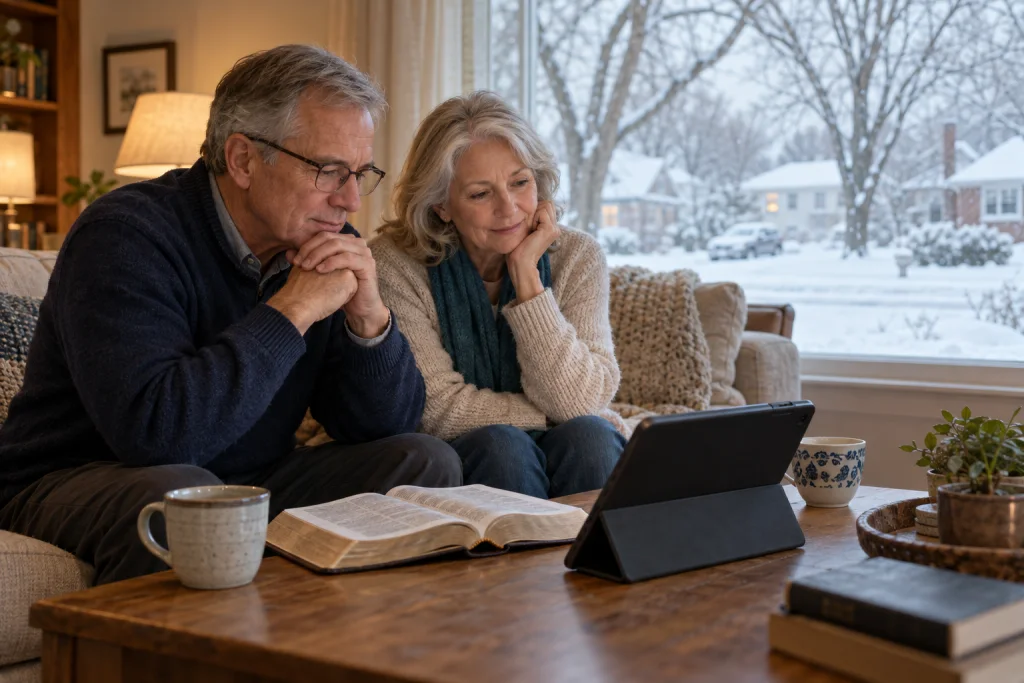
Weather announcements and broadcasts
Share service changes, the broadcast time, and your church listener link before members travel.
Church listener link
Include the listener link in weather announcements so members know where to hear the live audio.
Broadcasting from home
Use your church audio setup or the microphone on a supported computer or phone when you cannot reach the building.
Broadcast status
The listener page shows whether your church is live, reconnecting, or offline.
Your church listener link stays the same whether you broadcast from the sanctuary or from home.
Broadcasting from home
If your pastor or preacher cannot make it to church, they can broadcast from home. Open Sermonaire in a supported browser on a computer or phone.
The device needs power, an internet connection, and a microphone. You can use the built-in microphone on your laptop or phone.
Home broadcast setup
- Open your browser on a computer or phone.
- Allow microphone access and select the input.
- Go live and share your church’s usual listening link.
Members can use the same listener link for broadcasts from church or home.
Your first broadcast
Prepare your equipment and share the broadcast details when weather changes your service plans.
-
Choose a broadcast location
Use your church setup or a supported computer or phone with a microphone. Check the audio, power, and internet connection.
-
Start the live audio
Open Sermonaire in your browser, allow microphone access, check the level, and press Go live.
-
Share your weather update
Include the listener link, broadcast time, and service changes in your church announcements.
Broadcast locations and outages
The broadcasting device needs a microphone, power, and a working internet connection.
View featuresBroadcasting during bad weather
Your pastor can broadcast from church or home with a supported computer or phone, a microphone, and an internet connection. Members listen through the church link.
Power and internet outages
Your broadcasting device needs power and internet access. If the church building is offline, your pastor can still broadcast from another location with those connections.
Weather announcements
Include service changes, the live broadcast time, and the listener link. State whether your church plans to broadcast.
Your church’s weather broadcast setup
Create an account and test your audio connection before weather changes your service plans.