
Church audio streaming for pastors and volunteers
Connect your soundboard to a computer and broadcast live audio from a browser. The console shows your input level, connection status, and listener count.
Listeners do not need an account or an app.
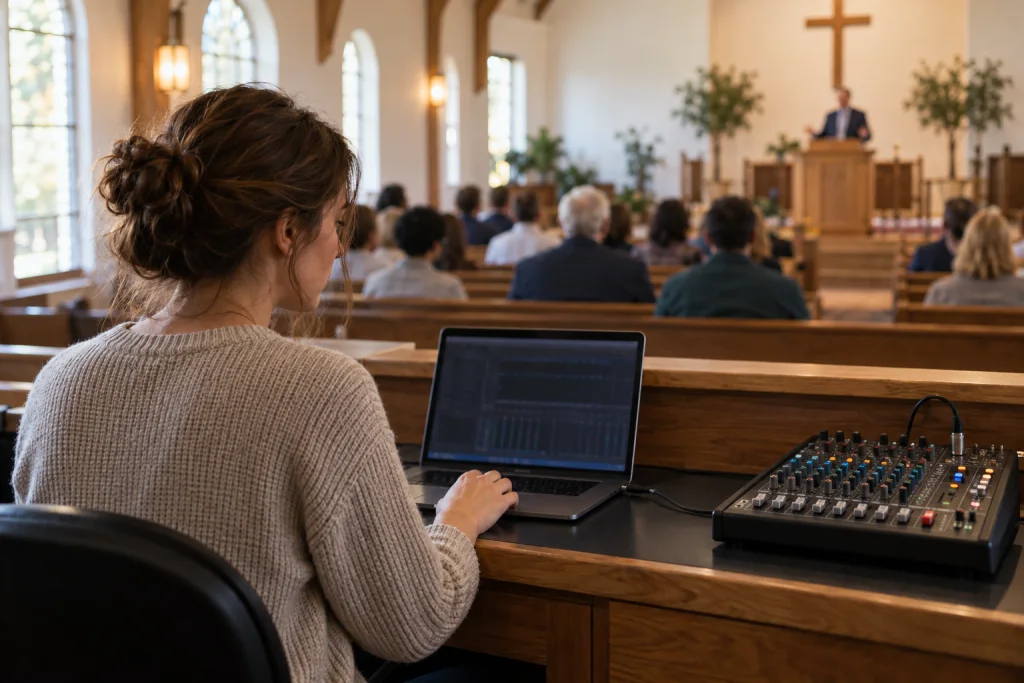
Browser broadcast controls
Volunteers can select the audio input, check the sound, and manage the live service in the console.
Browser broadcasting
Select the church audio input and start the broadcast in Sermonaire.
Audio and connection status
Check the input level meter and see whether the stream is live, reconnecting, or offline.
Listener link and website player
Copy the listener link or embed code from the admin to share the live audio.
Run a private test with headphones before the service. Use it to check the audio from the mixer through to playback.
Your first broadcast
Use these steps to prepare the audio and share each service.
-
Connect your audio
Connect a USB mixer or an audio interface to the broadcasting computer.
-
Check the level and go live
Allow microphone access, select the input, and check the meter before pressing Go live.
-
Share the listener link
Send the public listener link or embed the player on your church website.
Equipment and browser access
Your computer needs access to the church audio and a working internet connection.
View featuresBroadcast software
Browser broadcasting runs in Sermonaire. Connect your audio, select the input, and start the stream. A camera or separate video production app is not required.
Existing soundboards
Connect a USB mixer directly to the computer. For a mixer without USB audio, use a compatible audio interface to connect its output.
Microphone access
Allow microphone access for the broadcasting site and select the correct input. Check the device connection and audio meter before going live.
Your church’s broadcast setup
Create an account and run a private audio test before your first live service.